

How can I check the areas for a store?
You have two options :
1.Using Camera preview
-
Select the camera preview from the dashboard menu and select a location from the drop-down field.
-
Click on the relevant thumbnail image.
-
Click on ‘Lines and Areas’ and you will now be able to see the image with the lines and areas included.
OR
2.Previewing within Key Metrics , and Explorer views
You can check camera views, and the relevant zoning, when you are viewing metrics in the Key Metrics or Explorer views.
Simply hover over the camera icon next to the relevant metric, as shown below;
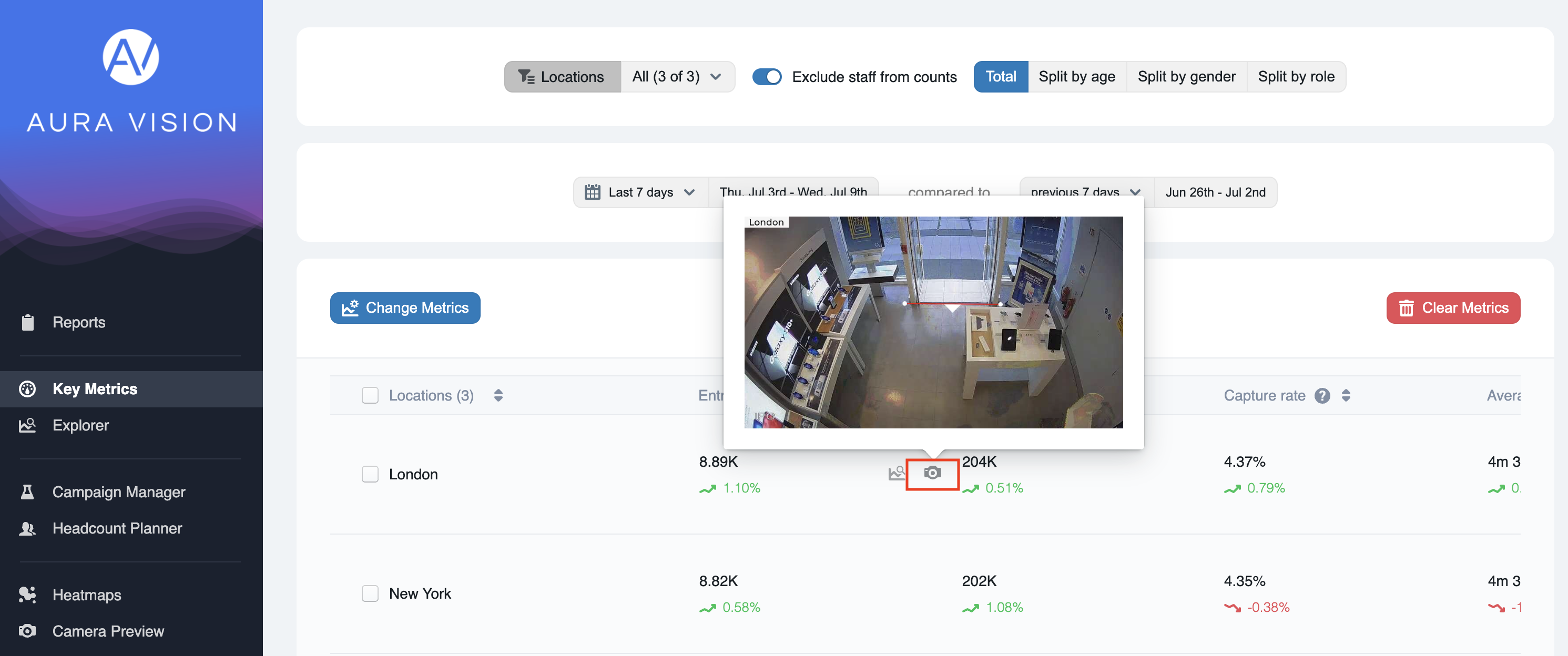
Camera preview icon